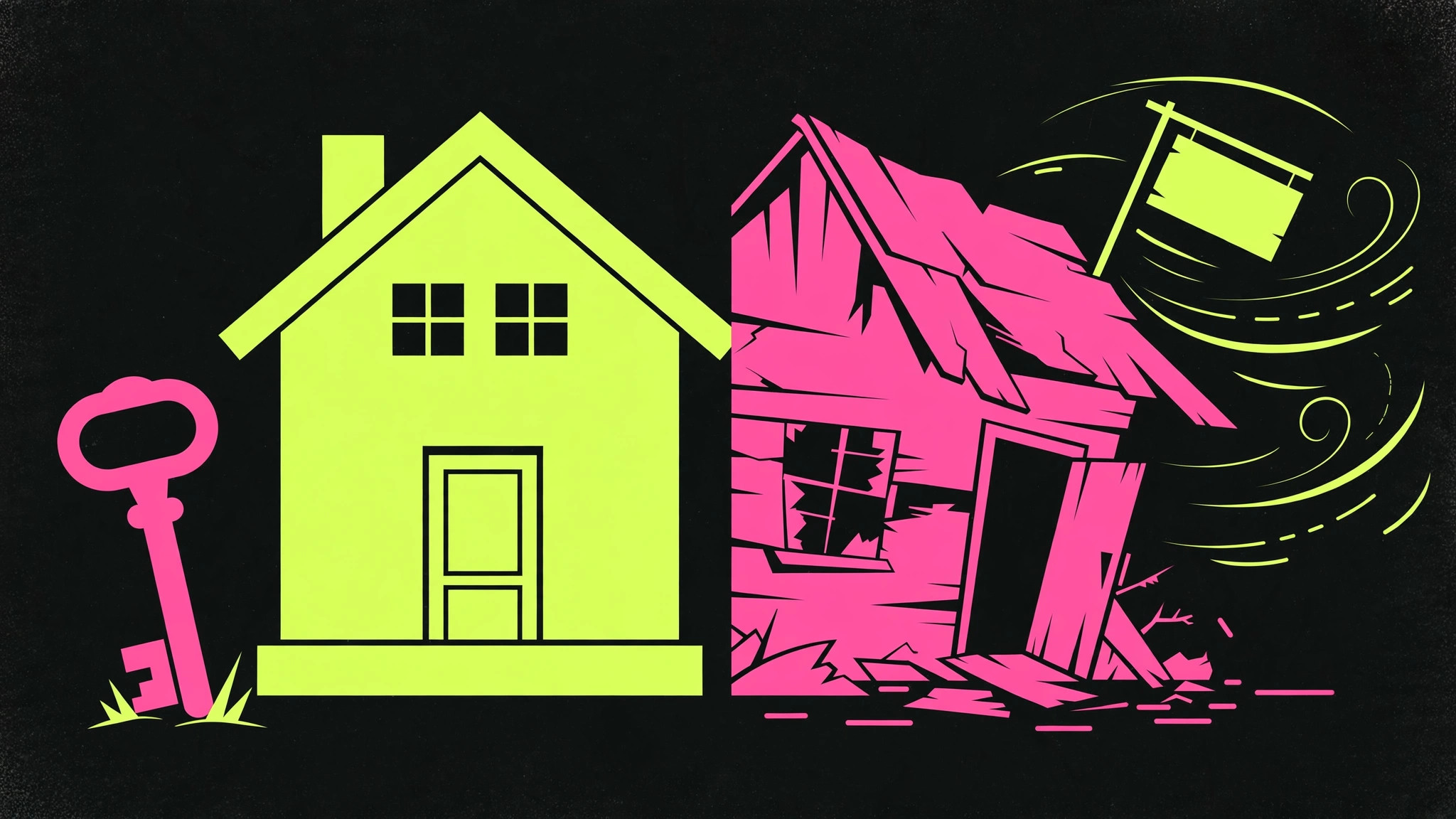
The short answer: Most small business websites are rented, not owned. You pay $150 or more a month, and the day you cancel, your site, your content, and your lead flow vanish. When you own your website — your domain, your content, your customer list, your analytics — nobody can take it away from you, and every dollar you spend compounds instead of evaporating.

Here’s a pitch almost every local business owner has heard. A smooth-talking rep calls or walks through your door and says: “We’ll build you a beautiful website for zero dollars down. Just $149 a month. Hosting, updates, support — we handle everything.”
It sounds like a steal. No big upfront cost. No tech headaches. A professional site for less than your coffee budget.
And for a while, it feels like one. The site goes live. It looks sharp. You tell your buddies about it. Then month after month, the charge hits your card, and you stop thinking about it — which is exactly what the company is counting on.
Then one day something changes. Maybe you want to switch providers. Maybe the monthly fee creeps up to $199, then $249. Maybe the company gets bought out and the “support” you were promised turns into a chatbot and a 40-minute hold. Maybe you just decide you’d rather spend that money on ads that actually bring in work.
So you cancel. And that’s when you learn what you actually bought: nothing.
Your website disappears. Your content — every page, every blog post, every photo — goes with it. The contact forms, the reviews, the Google rankings you spent years building: gone. You’re standing in a digital empty lot holding a cancellation confirmation email.
This isn’t a hypothetical. It happens to local businesses every single day. And it’s the single most important thing to understand before you spend another dollar on your online presence: there’s a world of difference between renting a website and owning one.
What “Renting” a Website Actually Looks Like
Let’s be precise about what the rental model is, because the companies selling it work hard to blur the line. Website rental goes by a lot of friendly names: “website as a service,” “managed website plans,” “all-inclusive web packages,” “done-for-you websites.” Different labels, same mechanics.
You pay a monthly fee — typically somewhere between $100 and $400 a month for a local business site. In exchange, the company builds the site, hosts it, and handles updates. The site lives on their platform, in their account, under their control. You get logins to edit text and swap photos, but the underlying asset isn’t yours.
Here’s the part they don’t put in the headline: the site only exists as long as you keep paying. Stop the subscription and the whole thing gets switched off. It’s not like canceling a gym membership where you keep the muscles. It’s like renting an apartment where the landlord also owns your furniture, your clothes, and your photo albums — and keeps them when you move out.
The lock-in mechanics they don’t advertise
The lock-in usually works through three mechanisms. First, the platform. Your site is built on the provider’s proprietary system, not on open software you could take elsewhere. There’s no export button. There’s no “download my website” option. Moving means rebuilding from scratch.
Second, the domain games. Some rental companies register your domain name in their account, not yours. Read that again. The web address your customers know — the one on your trucks, your cards, your invoices — is legally controlled by a company you pay monthly. If the relationship sours, getting your own domain back can turn into a genuine ordeal.
Third, the content trap. Every page of copy, every blog post, every testimonial, every photo — it all lives inside their system. When you cancel, you don’t get a neat zip file of your assets. You get nothing. Years of content investment, vaporized.
Why the math never works in your favor
Do the arithmetic over a realistic time horizon. At $150 a month, you’re paying $1,800 a year. Over three years — about the lifespan of a typical small business website before it needs a refresh — that’s $5,400. Over five years, $9,000.
For that money, what do you own at the end? Nothing. Zero. You’ve paid the price of a brand-new custom website several times over, and you hold no asset. It’s the most expensive way to have a website, disguised as the cheapest.
Compare that to owning: a solid custom site built once, on your domain, in accounts you control. You pay for hosting — a trivial amount — and maintenance as needed. The total over five years is typically a fraction of the rental treadmill, and at the end you hold an asset that keeps working whether you spend another dollar or not.
What It Means to Own Your Website
“Own your website” gets thrown around a lot, so let’s define it concretely. Ownership isn’t a vibe. It’s a checklist. You own your website when all of the following are true:
- Your domain is registered in your account. You log into the registrar (GoDaddy, Namecheap, Cloudflare, whoever) with your credentials. Nobody else can transfer it, hold it hostage, or let it expire without you knowing.
- Your hosting is in your account. Same principle. You hold the keys. If your developer disappears tomorrow, you can hand the login to someone else and nothing breaks.
- Your content is portable. The site is built on open, standard technology — not a proprietary black box. The text, images, and structure can be exported, moved, and rebuilt anywhere.
- Your customer data is yours. Every lead, every email subscriber, every form submission flows into a list you control — your email platform, your CRM, your spreadsheet. Not a dashboard you lose access to when you cancel.
- Your analytics are yours. Your Google Analytics, your Search Console, your ad accounts — all registered under your business, with you as the owner. This is the data that tells you what’s working, and it’s insanely valuable over time.
When all five are true, something powerful happens: every dollar you spend compounds. The blog post you publish in January still ranks in December. The reviews you collect this year lift you next year. The email list you build keeps producing. Nothing resets to zero because a subscription lapsed.
That’s the real argument for ownership. It’s not about control for control’s sake. It’s about building an asset that appreciates instead of a bill that never ends.
The Five Questions to Ask Any Provider Before You Sign
Whether you’re hiring someone to build a site or evaluating the company you’re already paying, these five questions cut through every sales pitch. Ask them in writing — email, not a phone call — so the answers are on the record.
1. “Is the domain registered in my account, in my name?”
This is question one because it’s the one that can hurt you most. If the provider registers your domain under their account “for convenience,” you don’t control your own web address. Insist on owning the domain registration from day one. It costs about fifteen bucks a year. There is no legitimate reason for a provider to hold it — convenience is not a reason, it’s an excuse. If they push back on this, walk away. Seriously. That pushback tells you everything about how the relationship will go.
2. “If I cancel, what exactly do I keep?”
Make them enumerate it. The domain? The website files? The content? The design? The customer data? The email list? Get specific, because vague answers like “you keep your content” fall apart the moment you ask how — in what format, delivered when, and who does the work. A provider who’s proud of their ownership terms will answer this question crisply. A provider with something to hide will change the subject to how great their support team is.
3. “What platform is the site built on, and can it be moved?”
There’s nothing wrong with WordPress, Webflow, or even Squarespace — what matters is portability. Can the site be exported and rebuilt elsewhere without starting over? If the answer involves the phrase “our proprietary platform,” you’re looking at a rental with extra steps. Proprietary platforms aren’t inherently evil, but they should always come with a clear, contractual exit path. No exit path, no deal.
4. “Who owns the ad accounts, analytics, and business listings?”
Your Google Ads account, your Meta ad account, your Google Analytics property, your Google Business Profile — all of these should be created under your business identity, with the provider added as a manager or user. This is standard practice and every legitimate marketer knows it. If a provider insists on running your ads through their account, that’s a red flag the size of a billboard. It means your ad history, your audiences, and your data stay with them when you leave. You’ll be starting from zero with the next person.
5. “Show me the cancellation terms.”
Not the sales page — the actual contract. How much notice? Are there termination fees? What happens to the site on day one after cancellation, day thirty, day ninety? The honest providers have a clean, boring answer: thirty days’ notice, you keep everything, here’s how the handoff works. The others have a maze. Read the maze before you enter it, not after.
Ask these five questions of anyone who wants your business, and you’ll filter out the vast majority of bad deals before they cost you a dime. It’s the highest-leverage fifteen minutes in your marketing life.
Why Agencies Love the Rental Model (And Why You Shouldn’t)
Let’s be blunt about incentives, because incentives explain everything in this industry.
The rental model is fantastic — for the provider. Monthly recurring revenue is the holy grail of agency economics. Each client paying $150 to $300 a month, stacked a few hundred deep, is a beautiful, predictable business. The provider’s incentive is to keep you paying as long as possible, which means keeping you dependent: dependent on their platform, their support, their logins, their good graces.
Notice what’s missing from that incentive structure: any reason to make you independent. A rental provider doesn’t get paid more when your site generates more leads. They get paid the same whether your phone rings or not. Their product isn’t your growth — it’s your continued subscription.
This is why rental sites so often stagnate. The provider has no reason to test your headlines, add a quiz funnel, speed up your pages, or publish content that ranks. Those things cost them effort and earn them nothing extra. The monthly fee arrives either way. Meanwhile, you’re over in your office wondering why the “beautiful website” isn’t producing customers, and the answer is that nobody was ever incentivized to make it produce customers.
Compare that to the ownership model done right. When a builder hands you the keys — your domain, your content, your list, your analytics — the only way they earn your continued business is by producing results worth paying for. That’s the alignment you want. You can read more about what that kind of engagement looks like in our breakdown of why most agencies fail local businesses — the incentives section will make you rethink every marketing relationship you’ve ever had.
The “but I don’t want to deal with tech” objection
The most common defense of renting is: “I don’t want to deal with the technical stuff. I just want it handled.” Fair. Nobody’s asking you to learn server administration.
But here’s the thing: owning your website doesn’t mean managing your website. You own your house without personally fixing the plumbing — you hire a plumber, and the house is still yours. Same principle. You can own every account and asset while paying someone competent to handle updates, backups, and maintenance. Ownership is about control and portability, not about doing the work yourself.
The right setup is: everything registered in your name, a good provider holding the keys for you with documented access, and a clean handoff process if you ever switch. You get the “it’s handled” feeling without the “I own nothing” reality. That’s the arrangement to insist on.
The Real Cost Comparison: Renting vs. Owning Over Five Years
Let’s put honest numbers on this. Not cherry-picked, not worst-case — just the typical math a local business faces.
The rental path. Say you pay $175 a month — right in the middle of the typical range. That’s $2,100 a year. Over five years: $10,500. And at the end of those five years, you own nothing. If you cancel in year six, you’re starting from zero — new site, new content, new rankings to rebuild. The meter just keeps running, forever, and the total only goes up.
The ownership path. Say you pay a competent builder a one-time fee for a proper site — quiz funnel, follow-up automation, content engine, the works. That’s the big check, once. Then hosting and basic maintenance run you a modest monthly amount — often less than a dinner out. Over five years, your all-in cost is typically a third to a half of the rental treadmill. And at the end, you hold an asset: a site with years of content, rankings, reviews, and a customer list that keeps producing whether you spend another dollar or not.
But the money is only half the story. The other half is what the asset does for you over time. A rented site is frozen — it looks the same in year three as day one, because nobody’s incentivized to improve it. An owned site compounds. Every article you publish adds to your search footprint. Every review lifts your local rankings. Every lead joins your list. Year three of an owned site is dramatically more valuable than year one. Year three of a rented site is just… year one, again, for the thirty-sixth payment.
There’s also the exit value, which nobody talks about. If you ever sell your business, an owned digital presence — domain with history, ranked content, an email list of past customers — is a genuine asset that adds to the sale price. A rented website adds exactly zero, because it isn’t yours to sell. Buyers and their accountants understand this distinction perfectly well.
How to Switch From Renting to Owning (Without the Pain)
If you’re currently renting and this post has ruined your afternoon, good — now let’s fix it. Switching is straightforward if you do it in the right order. Don’t cancel first and figure it out later. That’s how businesses lose their phone number from Google for three weeks.
Step 1: Secure the domain
Before anything else, make sure your domain is in your account. If the provider registered it, initiate a transfer to a registrar you control — today, not “when we get around to it.” This is the one asset that can cause real damage if mishandled, because your domain is on every truck, card, and invoice you own. Domain transfers take a few days and require an authorization code from the current registrar. Get it started now; everything else can wait.
Step 2: Inventory what you have
Go through your current site page by page. Copy the text into documents. Download the images. Screenshot the layout. Export whatever the platform lets you export. Even if you’re rebuilding from scratch, you don’t want to be rewriting your service pages from memory. This is also the moment to export your customer data — every contact, every form submission, every email subscriber. If the platform won’t let you export, that’s useful information about the platform, and a reason to move faster.
Step 3: Build the owned version before you cancel
This is the critical sequencing. Build the new site — on your domain, in your accounts — and get it fully live and tested before you cancel the old one. Run them in parallel for a couple of weeks if you can. Check that forms work, the phone number is right, Google Business Profile points to the right place. Only when the new site is proven do you cancel the old subscription. Overlap costs you one extra month of the rental fee. Rushing costs you lost leads and a broken Google presence. The overlap is cheap insurance.
Step 4: Redirect and reclaim
Once the new site is live on your domain, make sure your Google Business Profile, social profiles, and directory listings all point to the right place. If any URLs changed in the rebuild, set up redirects from the old addresses. Then cancel the rental — in writing, keeping the confirmation. Check your card statement the next month to make sure the charge actually stopped. You’d be surprised how often “cancelled” subscriptions keep billing.
The whole migration typically takes a few weeks, most of it waiting on other people. The actual work is measured in days. And on the other side of it, you own the whole thing — which brings us to what you should build on that foundation. A site you own is the prerequisite; a lead machine is what you build on top of it. Ownership without a conversion system is just a nicer brochure. The two together are the whole game.
The Ownership Checklist: What “Done Right” Looks Like
Whether you’re building fresh or migrating, here’s the done-right checklist. Print it, hand it to whoever builds your site, and don’t accept “trust me” as a substitute for any line item:
- Domain registered in your registrar account, auto-renew on, with your email as the contact.
- Hosting in your account. You hold the login; your builder is an added user, not the owner.
- Site built on portable, standard technology — no proprietary lock-in without a contractual exit.
- All content (text, images, videos) delivered to you as files, not just “live on the site.”
- Email list and CRM in your accounts — every lead flows to systems you control.
- Google Analytics, Search Console, and ad accounts created under your business, provider added as manager.
- Google Business Profile claimed and owned by you. (This one is free and takes ten minutes, and an alarming number of businesses have never done it — here’s how to optimize it properly once it’s yours.)
- Admin logins documented in one place, in your possession — not scattered across someone’s inbox.
- A written handoff: what was built, where everything lives, how to grant access to the next person.
Get all nine, and congratulations — you own your website in the way that actually matters. Miss even two or three, and you’ve got a rental wearing an ownership costume.
What Ownership Unlocks That Renting Never Will
Here’s the part that goes beyond the defensive case — beyond “don’t get screwed.” Ownership is also what makes everything else in your marketing work.
Take conversion. When you own the site, you can test and improve it relentlessly: new headlines, a quiz funnel instead of a contact form, faster pages, better offers. Every improvement compounds because the asset is yours. On a rental platform, you’re limited to whatever the platform allows — which is usually “edit the text and change the photos.” You can’t rebuild the engine when you don’t own the car. The difference this makes is enormous, and we’ve written about the mechanics in our guide to landing page conversion rates — but the short version is that owned sites get better every quarter, and rented sites stay frozen.
Take content. An owned blog is a compounding asset — articles published this year rank next year and the year after. On a rental, your “blog” lives inside their system, and every post you write increases their leverage over you, because leaving means abandoning the library. People sense this, consciously or not, which is why rental-platform blogs are usually ghost towns. Why invest in content you don’t own?
Take data. Your analytics history, your ad account history, your audience data — these get more valuable every year. Three years of conversion data makes your ads dramatically more efficient than three weeks of it. When you own the accounts, that history accumulates. When a provider owns them, you start from zero every time you switch — and providers know it, which is exactly why some of them insist on owning the accounts.
Ownership isn’t just protection. It’s the foundation everything else is built on. The businesses that win locally over a five-year horizon aren’t the ones with the prettiest sites — they’re the ones whose sites are theirs, improving every quarter, compounding every year.
Frequently Asked Questions
Can I see what a properly owned website looks like in practice?
Sure. Take a look at a live lead-machine demo we built for a coastal insurance agency — quiz funnel, instant follow-up, full content library, all on infrastructure the client owns outright. Notice what it does, not just how it looks: it captures visitors, follows up automatically, and every piece of it belongs to the business. That’s the standard to hold any provider to.
My provider says I “own” my site, but I pay monthly. Who’s right?
Ask the only question that matters: if you stop paying tomorrow, what happens? If the answer is “the site stays up and everything is yours,” you own it and the monthly fee is just maintenance — that’s fine. If the answer is “the site comes down,” you’re renting, whatever word they use. Ownership is defined by what survives cancellation, not by what the sales page says.
What if my provider registered my domain in their account?
Get it transferred to an account you control, and do it before any other changes. You’ll need the provider’s cooperation to unlock the domain and provide the authorization code — they’re required to do this; it’s your domain. If they stall or refuse, that’s a serious red flag, and domain dispute processes exist for exactly this situation. Don’t start a rebuild or a fight until the domain is safe. Everything else is replaceable; your domain, printed on every truck and invoice, is not.
Is WordPress the only way to own a website?
No. WordPress is the most common route because it’s open, portable, and runs a huge share of the web — but ownership is about control and portability, not a specific technology. A site on Webflow with your domain, your exports, and your accounts can be owned. A hand-coded site with documented files can be owned. What can’t be owned is anything trapped in a proprietary system with no export path and accounts in someone else’s name. Judge the arrangement, not the logo.
How much does it cost to switch from renting to owning?
Less than most people fear, and far less than another two years of rental payments. The main cost is the one-time build of the owned site — which you’d eventually pay for anyway the next time the rental platform raises prices or you outgrow it. The migration itself (domain transfer, content inventory, redirects) is mostly careful sequencing, not big spending. Run the old and new sites in parallel for a month to be safe. One month of overlap is the cheapest insurance in this whole process.
What if I’m locked into a contract with my current provider?
Read the actual termination clause — not what the salesperson told you, the contract. Many rental contracts have 30-to-90-day notice periods and some have early termination fees, but very few truly lock you in for years. Know your exit date, then work backward: secure the domain first, build the replacement second, cancel third. And whatever you do, don’t let a few months of remaining contract stop you from starting the new build. The compounding starts the day you own the asset.
Want this built for you?
We build lead machines you own outright — your domain, your content, your list, your analytics. It starts with knowing exactly where you stand.